
What Does a WordPress Course Website Actually Cost?
WordPress itself is free and open-source.
However, a professional online course business usually needs more than WordPress.
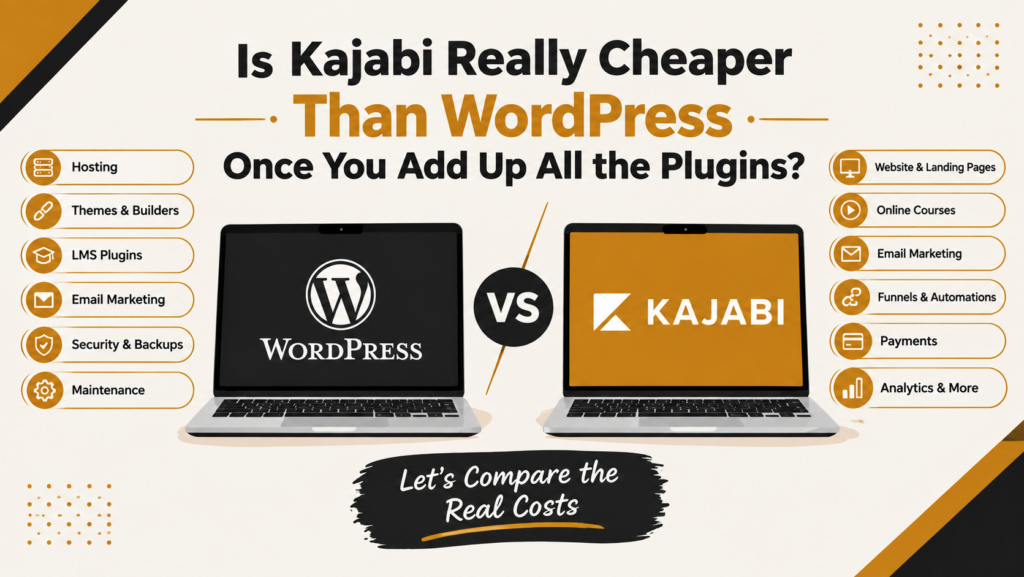
A typical WordPress setup might include:
- WordPress hosting
- Premium theme or page builder
- LMS/course plugin
- Membership plugin
- Email marketing platform
- Forms
- Payment integration
- Security plugin
- Backup solution
- SEO tools
- Analytics
- Automation tools
- Additional integrations
Each individual tool may seem inexpensive.
The problem is that these costs add up.
For example, imagine a course creator needs:
Hosting + page builder + LMS + email marketing + security + backups + automation.
Even if every tool is reasonably priced individually, the business is now paying for and managing several different systems.
And the cost isn’t only financial.
There is also the cost of:
Setup + maintenance + updates + troubleshooting + integrations + learning time.
The Hidden Costs of WordPress Plugins
This is where the WordPress vs Kajabi total cost of ownership comparison becomes more interesting.
A WordPress website can start very cheaply.
You might initially think:
“I only need hosting and WordPress.”
But once you start building an actual course business, additional requirements usually appear.
1. LMS or Course Plugin
WordPress does not include a complete online course system by default.
You will typically need an LMS plugin to handle things such as:
- Courses
- Lessons
- Student accounts
- Course access
- Progress tracking
- Quizzes
- Certificates
- Drip content
Depending on the solution you choose, this can introduce another annual or monthly cost.
2. Email Marketing
If you want to send:
- Welcome emails
- Course reminders
- Launch emails
- Lead nurturing sequences
- Promotional emails
- Abandoned-cart emails
you may need a separate email marketing platform.
That means another subscription and another integration.
3. Page Builder
The standard WordPress editor may not provide the design flexibility you want.
Many businesses therefore use a premium page builder.
Again, another license.
4. Security and Backups
With a self-managed WordPress website, you are responsible for keeping the website secure and backed up.
You may need additional tools for:
- Malware protection
- Firewall
- Login security
- Automated backups
- Website monitoring
Some of these tools are free, but businesses often choose paid solutions for additional functionality.
5. Plugin Updates and Compatibility
WordPress plugins need regular updates.
Sometimes an update works perfectly.
Sometimes an update creates a compatibility problem.
When your website contains many plugins, there are more potential points of failure.
This creates another hidden cost:
Your time—or the cost of hiring someone to maintain the website.