
The right email at the right moment, from the welcome note after sign-up to the thank-you after a purchase, sent by Kajabi while you work.
Broadcasts, sequences and triggered automations are set up inside Kajabi, or connected to the email tool you already use. Every subscriber on your Kajabi email list hears from you in a way that fits where they are.
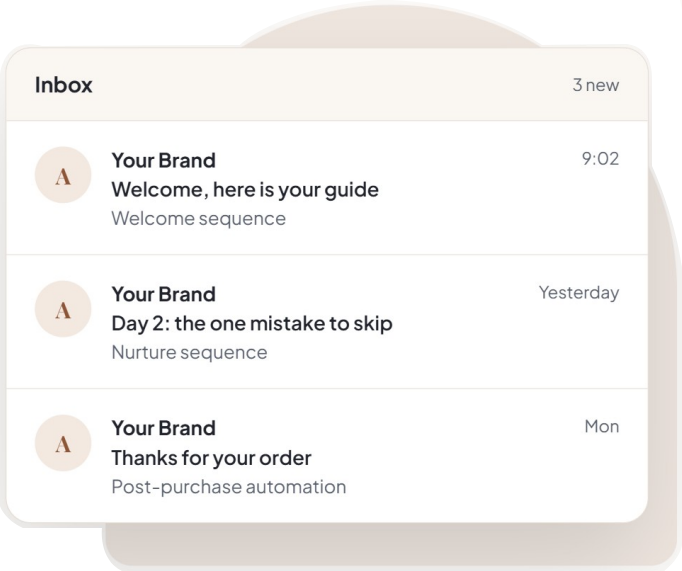
Yes. Kajabi email marketing is built in, so you can send emails, run sequences and automate follow-ups without a separate tool. It works in two main ways.
Broadcast
Kajabi email · noun
A one-time email sent to your whole list or a chosen group at a set time, such as news, a live event reminder or a launch announcement.
Sequence
Kajabi email · noun
A series of emails that each new subscriber receives automatically, in order and on a schedule, from the day they join.
The difference between a broadcast and a sequence in Kajabi: a broadcast goes out once to many people, while a sequence runs for each person from the moment they enter it
Whether you need one Kajabi email sequence setup service or a complete Kajabi email automation setup, it is put together from the pieces below.
These email marketing automation services are built around Kajabi, so your emails, pages and offers are planned together.

Keep everything in Kajabi, or connect Kajabi to the email or CRM tool you already pay for. You choose what fits your business.
Your emails are planned against the offers, funnels and courses already in your Kajabi account, so each one links to the right page, product or lesson.
Sign-ups, purchases and tags start the right sequence on their own, so nobody waits on you to send the next email.
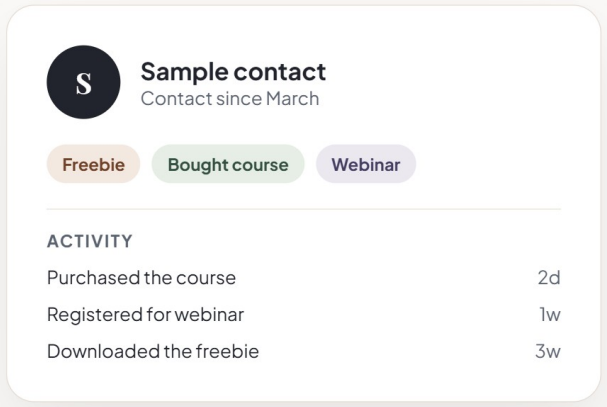
Is Kajabi a CRM? It works as a simple one. Every contact has a profile with their tags, purchases, sign-ups and activity, and you can group contacts into segments. It does not offer the deal tracking of a dedicated sales CRM, so some businesses connect one alongside it.
How to use Kajabi as a CRM?
1. Tag contacts by interest and by what they have bought
2 Build segments so each broadcast reaches the right group
3 Let automations add or remove tags as people buy or sig
Keep everything in Kajabi, or connect Kajabi to the email or CRM tool you already pay for. You choose what fits your business.
Yes. Kajabi can pass new contacts and tags to many email and CRM tools through built-in integrations, Zapier or webhooks. You keep the tool your team knows while Kajabi handles your pages and payments.
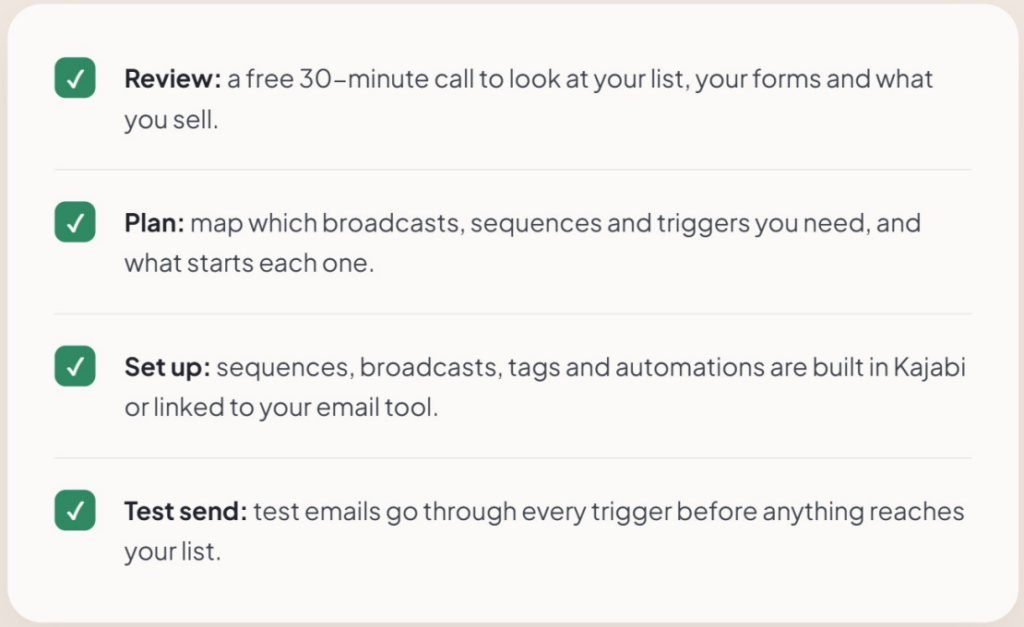
Still have a question about your Kajabi build? Talk it through on a free call.
What do you sell, and how do people join your list today? On a free 30-minute call we decide which sequences and automations to set up first, and you get a quote for the work.